Royal Star PH Login Problems: Account Access & Verification Errors
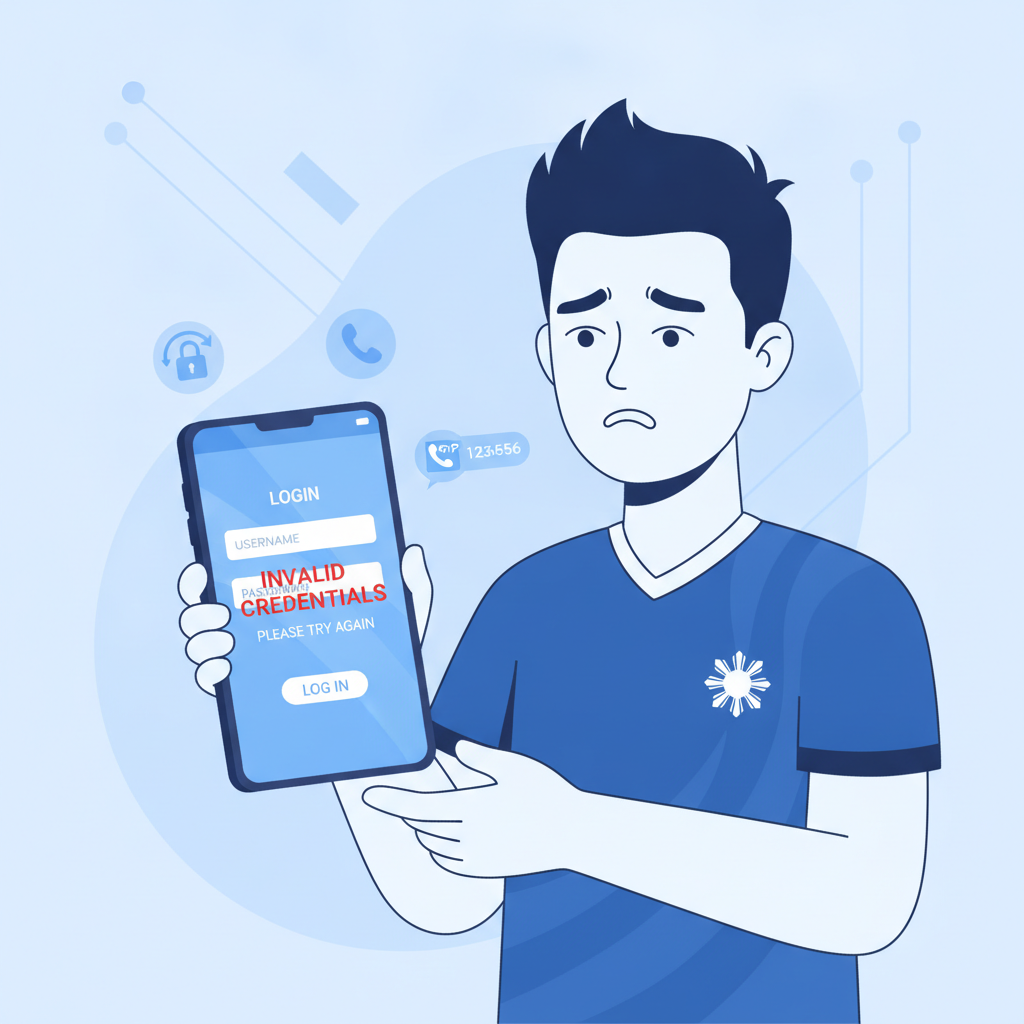
Common Royal Star PH Login Errors
When you try to log into Royal Star PH on your phone, you may run into one of several error messages. Here are the most frequent login problems and what they usually mean.
Wrong Password or Incorrect Credentials
The platform will display "Incorrect username or password" if what you typed doesn't match what's stored in the system. This can happen if you mistyped your password, used the wrong email or mobile number, or if autocomplete filled in an old password you've already changed.
Account Locked or Too Many Attempts
After several failed login tries—typically five within a short window—Royal Star PH will temporarily lock your account to protect it from unauthorized access. You'll see a message like "Account temporarily locked" or "Too many login attempts." The lock usually lifts automatically after 15 to 30 minutes, but you can also reset your password to regain access immediately.
User Not Found
If the system says "User not found" or "Account does not exist," double-check that you're entering the exact mobile number or email you used during registration. If you registered with your mobile number and try to log in with an email (or vice versa), the system won't recognize you. Some players also mistake the Royal Star PH login page for a different casino site—make sure you're on the correct URL.
Session Expired
Royal Star PH logs you out after a period of inactivity for security. If you left the app open in the background or your phone screen locked for too long, you'll need to enter your credentials again. This is normal and not an error.
How to Reset Your Royal Star PH Password on Mobile
If you've forgotten your password or your account is locked, follow these steps to reset it from your Android phone or iPhone.
- Tap "Forgot Password?" on the login screen.
On the Royal Star PH login page, look for the "Forgot Password?" or "Reset Password" link below the password field. - Enter your registered mobile number or email.
Type the same contact detail you used when you first signed up. The system will send a one-time password (OTP) or a reset link. - Check your SMS or email inbox.
If you provided your mobile number, you should receive an SMS with a six-digit code within one to three minutes. If you used email, look for a message from Royal Star PH; check your spam or promotions folder if it doesn't appear in your main inbox. - Enter the OTP or click the reset link.
On the password-reset screen, type in the OTP you received. Alternatively, if you got an email link, tap it to open a page where you can create a new password. - Create a new password.
Choose a password that's at least eight characters long and includes a mix of letters, numbers, and symbols. Avoid using the same password you use for GCash, Maya, or your email. - Log in with your new credentials.
Return to the Royal Star PH login screen and enter your mobile number or email along with the new password.
If you don't receive the OTP or reset link after a few minutes, check that your phone has signal or a Wi-Fi connection. You can also request a new code by tapping "Resend OTP."
Two-Factor or OTP Verification Issues and How to Resolve Them
Royal Star PH uses one-time passwords (OTP) sent via SMS or email to confirm that you own the account, especially when you log in from a new device, request a withdrawal, or reset your password. Here's how to troubleshoot when OTP codes don't arrive or don't work.
OTP Not Arriving via SMS
If you don't receive the SMS code:
- Wait a few minutes. Network delays can postpone delivery, especially during peak hours or in areas with weak signal.
- Check your mobile number. Make sure the number shown on the Royal Star PH verification screen matches your SIM. If you recently changed your number, update your account details through customer support before attempting another login.
- Restart your phone. A quick reboot can refresh your network connection.
- Request a new code. Most platforms let you resend the OTP after 60 seconds. Tap "Resend" rather than requesting multiple codes simultaneously, which can cause confusion.
OTP Not Arriving via Email
If the email code is missing:
- Check spam and promotions folders. Email providers sometimes flag casino messages as promotional or junk.
- Whitelist Royal Star PH's sender address. Add the sender to your contacts or mark the message as "Not Spam" to ensure future emails land in your inbox.
- Try a different email. If your email provider is blocking casino-related mail entirely, you may need to update your registered email through live chat.
"Invalid OTP" or "Code Expired" Errors
OTP codes typically expire after five to ten minutes. If you see an "Invalid OTP" message:
- Request a fresh code. The old one is no longer valid.
- Copy and paste carefully. Avoid adding extra spaces before or after the digits.
- Don't reuse old codes. Each OTP can only be used once; even if you received multiple texts, only the most recent code will work.
Login from a New or Unrecognized Device
When you sign in from a phone or browser you haven't used before, Royal Star PH may prompt you to verify via OTP as an added security step. This is normal. Complete the verification once, and the platform will usually remember that device for future logins.
What to Do If Your Account Is Suspended or Under Review
In some cases, Royal Star PH may temporarily suspend or flag your account for review. You'll see a message such as "Account under review," "Access restricted," or "Contact support." Here's what typically triggers a suspension and how to resolve it.
Reasons for Account Suspension
- Pending verification. If you haven't yet submitted a valid government ID or proof of address, the platform may limit access until you complete identity verification.
- Suspicious activity. Multiple logins from different devices, unusually large deposit or withdrawal requests, or suspected bonus abuse can prompt a security review.
- Duplicate accounts. Royal Star PH allows only one account per person. If the system detects that you've registered more than once using different emails or phone numbers, all linked accounts may be suspended.
- Chargebacks or payment disputes. If you disputed a GCash or bank transaction tied to your Royal Star PH deposits, the platform may freeze your account while investigating.
- Terms-of-service violations. Using VPN software to mask your location, sharing your login credentials, or being under 21 years of age are all grounds for suspension.
How to Resolve a Suspended Account
- Contact Royal Star PH support immediately. Use the live-chat feature in the app or website, or send an email to the support address listed in the Help section. Explain that your account is suspended and ask what documents or information they need.
- Provide requested documents. You may be asked to upload a photo of your government-issued ID (driver's license, passport, or national ID), a selfie holding that ID, and a recent utility bill or bank statement showing your name and address.
- Wait for the review. Account reviews can take 24 to 72 hours, depending on the volume of requests. Avoid creating a new account while waiting, as that may extend the suspension.
- Check your email and SMS. Royal Star PH will notify you once the review is complete. If the suspension is lifted, you'll be able to log in normally. If the platform finds a terms violation, they may permanently close the account and forfeit any remaining balance.
Preventing Future Suspensions
- Always log in from the Philippines. Accessing Royal Star PH through a VPN or while abroad can trigger security flags.
- Keep your contact details up to date. If you change your mobile number or email, update your profile immediately.
- Use only your own payment methods. Deposits and withdrawals must come from a GCash, Maya, or bank account in your name.
- Do not share your login credentials with friends or family, even if they ask to place a bet on your behalf.
21+ Only. Never Share Your Login with Others.
Royal Star PH is open exclusively to players who are 21 years of age or older. By logging in, you confirm that you meet this age requirement and are accessing the platform from within the Philippines.
Protect your account: Never give your username, password, or OTP codes to anyone else. Sharing your login details violates Royal Star PH's terms of service and can lead to permanent account closure. It also puts your deposited funds and personal information at risk.
Play responsibly. Set a budget for how much you're comfortable depositing each week, and stick to it. If you feel that online betting is affecting your finances or wellbeing, take a break or reach out to a responsible-gambling helpline. Royal Star PH is entertainment, not a way to solve money problems.
If you continue to experience login issues after trying the steps above, contact Royal Star PH support through live chat or email with your registered mobile number and a description of the error message you're seeing. Their team can check account status, resend verification codes, and guide you through any additional security steps.