Royal Star PH GCash Deposit & Withdrawal: Fees, Limits & Processing Time
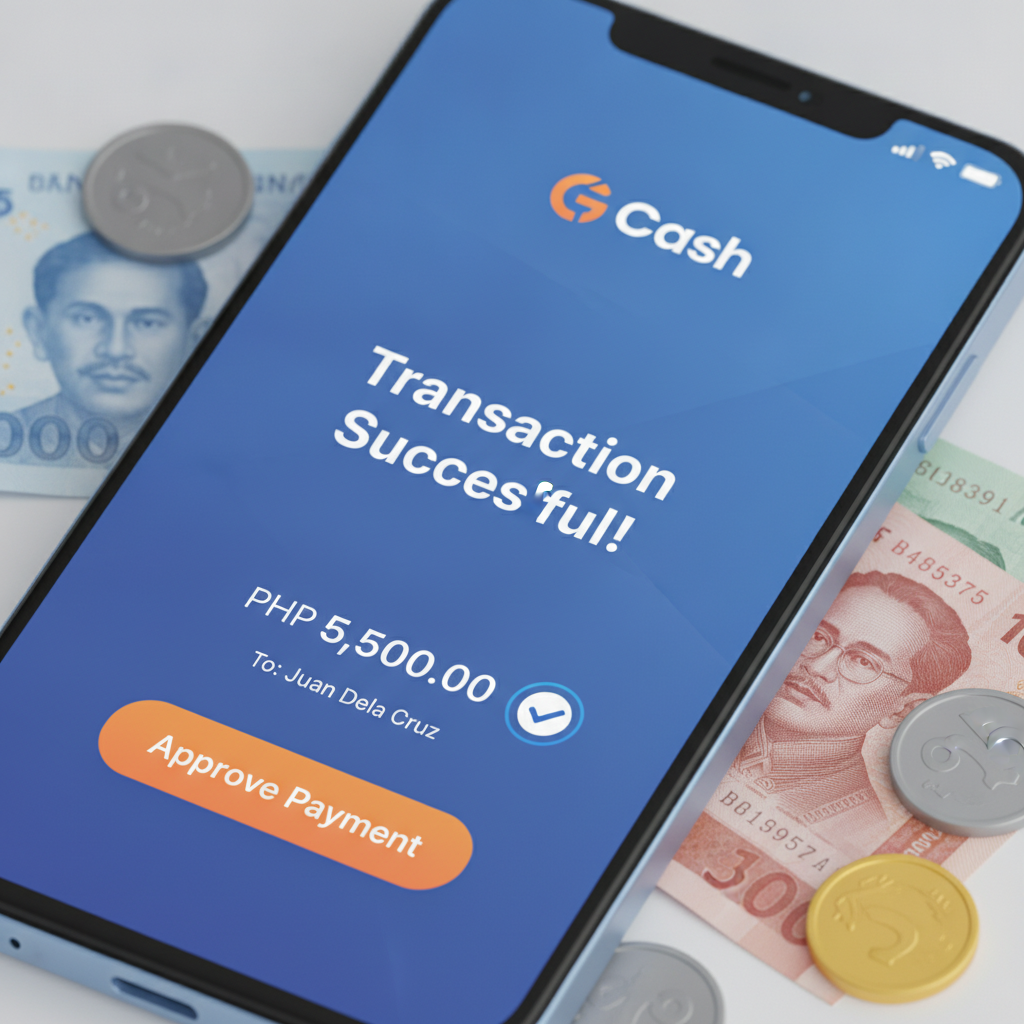
How to Deposit via GCash on Royal Star PH
Royal Star PH accepts GCash for peso deposits, making it straightforward for Filipino players to move money from their e-wallet to their casino account. The process typically takes a few minutes from start to finish.
Step 1: Log in and navigate to Deposit
Open the Royal Star PH app or website, log in to your account, and tap the Deposit or Wallet section. Select GCash from the list of available payment methods.
Step 2: Enter your deposit amount
Type the amount you want to deposit in pesos. Most players deposit between PHP 100 and PHP 500 per transaction. Check that your amount falls within the platform's minimum and maximum deposit limits—these are usually displayed on the deposit screen before you confirm.
Step 3: Confirm in the GCash app
You will be redirected to the GCash app or a GCash web portal. If you are not logged in, enter your MPIN to authenticate. Review the transaction details: the merchant name, the amount, and any reference number. Tap Pay or Confirm to authorize the transfer.
Step 4: Return to Royal Star PH
Once GCash confirms the payment, you will be redirected back to Royal Star PH. In most cases, your peso balance updates within one to three minutes. You can check your transaction history in the Wallet or Account section to verify that the deposit has been credited.
If the balance does not appear immediately, wait five minutes and refresh the page or restart the app. Most GCash deposits to Royal Star PH are processed in real time, but network delays can occasionally extend crediting time to five or ten minutes.
GCash Withdrawal Request: Minimum and Maximum Amounts
Withdrawing your winnings to GCash follows a similar flow, but Royal Star PH enforces transaction limits and may require account verification before processing your first cashout.
Minimum withdrawal amount
The platform typically sets a minimum GCash withdrawal of PHP 100 or PHP 200. Attempting to withdraw less than this threshold will trigger an error message prompting you to increase the amount.
Maximum withdrawal amount per transaction
GCash cashouts are usually capped at PHP 10,000 to PHP 50,000 per transaction, depending on your account status and verification level. Players who have completed ID verification and linked a verified mobile number may see higher limits than those who have not.
If you need to withdraw more than the single-transaction limit, you can submit multiple requests. Be aware that some platforms impose daily or weekly cumulative withdrawal caps, so check your account dashboard or contact customer support if you plan to cash out a large balance.
How to request a GCash withdrawal
Log in to Royal Star PH, navigate to the Withdrawal or Cashout section, and select GCash. Enter the amount you want to withdraw and confirm that your registered GCash mobile number matches the number on file with Royal Star PH. Submit the request. You will receive a confirmation message or email with a reference number.
Typical GCash Cashout Processing Time and What Affects Delays
Most GCash withdrawals from Royal Star PH are processed within a few hours, but the exact timing depends on several factors.
Instant to 24 hours
In the majority of cases, GCash cashouts arrive in your e-wallet within one to six hours after approval. Some players report receiving funds in under an hour, especially during weekday business hours. Evening and weekend requests may take longer because fewer staff are available to review and approve transactions.
What affects processing speed
- Account verification status: First-time withdrawals often require manual review. If you have not yet uploaded a valid government ID or verified your mobile number, expect your cashout to be delayed until the compliance team completes their check.
- Withdrawal amount: Larger cashouts—those above PHP 10,000 or PHP 20,000—may trigger additional security checks. This is standard anti-fraud practice and can add a few hours to the process.
- Pending wagering requirements: If you claimed a bonus and have not yet met the rollover or turnover requirement, your withdrawal request may be rejected or held until you complete the playthrough. Always check your bonus balance and active wagering conditions before requesting a cashout.
- Peak hours and weekends: Requests submitted late Friday or on Saturday and Sunday sometimes queue until Monday morning. If you need funds urgently, try to withdraw during weekday daytime hours.
Once Royal Star PH approves your request, the funds usually appear in your GCash wallet within minutes. GCash itself processes incoming transfers in real time, so any delay is almost always on the casino side rather than the e-wallet side.
Common GCash Errors and Fixes
Even though GCash is widely used in the Philippines, players occasionally encounter errors when depositing or withdrawing on Royal Star PH. Below are the most common issues and practical solutions.
Failed GCash Deposit
Symptom: You authorized the payment in the GCash app, money was deducted from your wallet, but your Royal Star PH balance did not update.
Possible causes and fixes:
- Network timeout: The redirect between GCash and Royal Star PH was interrupted by poor signal or app crash. Wait ten minutes, then check your transaction history in both GCash and Royal Star PH. If GCash shows "successful" but the casino balance is unchanged, take a screenshot of the GCash receipt and contact Royal Star PH support via live chat or email. Provide the transaction reference number and timestamp.
- Insufficient GCash balance: Double-check that your GCash wallet had enough pesos to cover the deposit amount plus any GCash transaction fee. If the payment failed, GCash will not deduct funds, and you can retry with a topped-up wallet.
- Daily GCash limit reached: GCash sets a monthly transaction limit based on your verification level. Basic accounts may be capped at PHP 100,000 per month. If you hit your limit, verify your GCash account with an ID to increase it, or use an alternative payment method like Maya or bank transfer.
'Transaction Not Found' Error
Symptom: You attempt to check the status of a deposit or withdrawal, but Royal Star PH displays "Transaction not found" or a similar message.
Possible causes and fixes:
- Delay in system sync: The transaction may still be queued or processing. Wait fifteen to thirty minutes, then refresh the page or log out and back in.
- Incorrect reference number: Verify that you are entering or searching for the correct transaction ID. Reference numbers are case-sensitive and should be copied exactly from your confirmation email or GCash receipt.
- Pending approval: Withdrawals typically show as "pending" before they show as "approved" or "completed." If you do not see the transaction at all, it may not have been submitted successfully. Check your email for a confirmation. If you did not receive one, resubmit the withdrawal request.
GCash Withdrawal Rejected or Returned
Symptom: Your withdrawal request was declined, and the amount returned to your Royal Star PH balance.
Possible causes and fixes:
- Mismatched mobile number: The GCash number you entered does not match the number registered to your Royal Star PH account. Update your account profile or use the correct number when requesting the cashout.
- Unmet bonus wagering: If you have an active bonus, you must complete the required turnover before cashing out. Check your bonus balance and wagering progress in the Promotions or Bonus section.
- Duplicate request: Submitting multiple withdrawal requests for the same amount in a short period can flag your account for review. Cancel any duplicate requests and resubmit a single withdrawal.
If none of these scenarios apply and your cashout was still rejected, contact Royal Star PH customer support. Ask for a specific reason and request guidance on how to resubmit successfully.
Fees and Charges for GCash Transactions
Royal Star PH does not typically charge a fee for GCash deposits or withdrawals. However, GCash itself may apply a small convenience fee for certain merchant transactions, especially if you are paying from a linked bank account rather than your GCash wallet balance. Always review the final amount shown in the GCash confirmation screen before you authorize the payment.
Withdrawals to GCash are usually free as well, but some platforms reserve the right to deduct a processing fee for cashouts below a certain threshold or for multiple small withdrawals in a single day. Check the Withdrawal page or the platform's terms for the most current fee schedule.
21+ Only. Set Deposit Limits That Fit Your Budget.
Royal Star PH is intended for players aged 21 and above. Before you deposit via GCash, decide on a weekly or monthly budget that you can afford to lose, and stick to it. Many platforms let you set deposit limits in your account settings—use this feature to help manage your spending. If you feel that online casino play is affecting your finances or well-being, reach out to a responsible-gambling support service for assistance.