Royal Star PH Deposit Failed: GCash, Maya & Bank Transfer Troubleshooting
Why GCash Deposits Fail at Royal Star PH
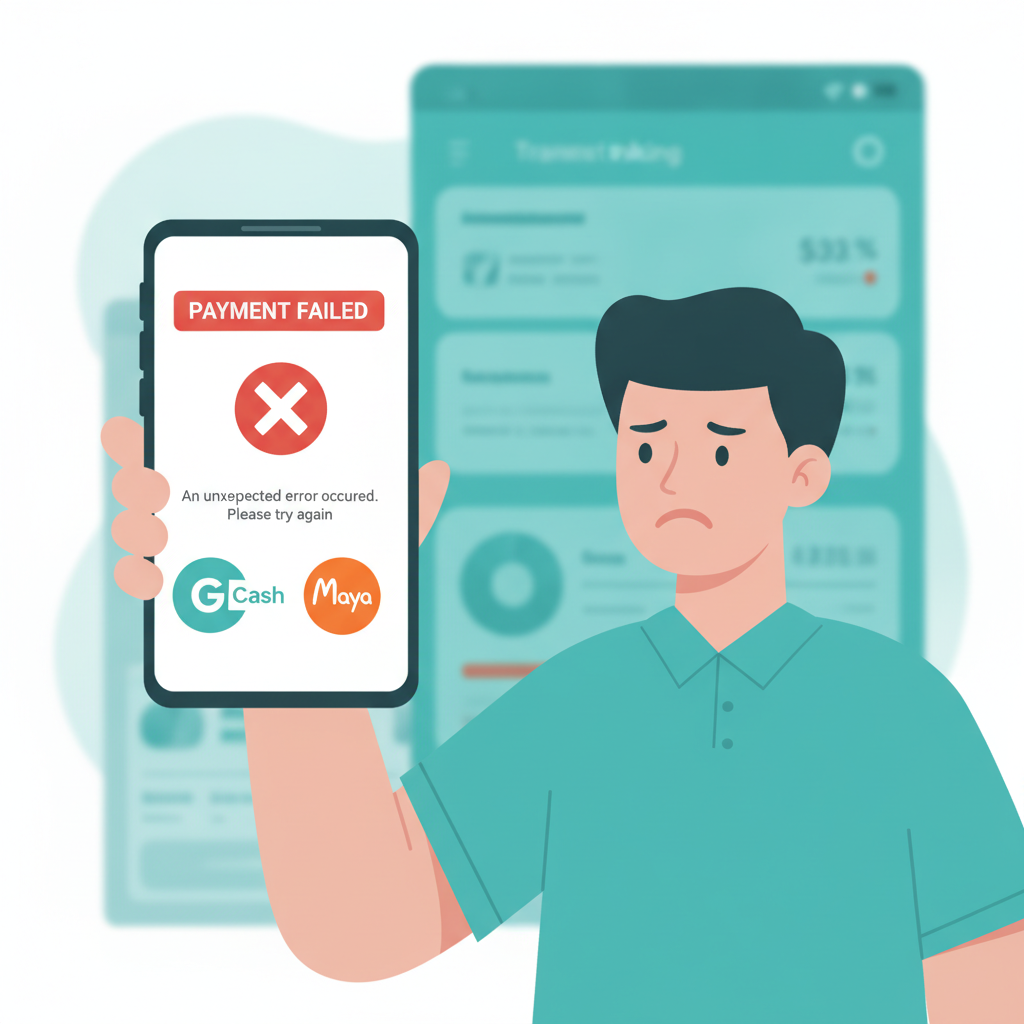
When your Royal Star PH GCash deposit doesn't go through, three problems cause most failures.
Insufficient GCash balance. Your GCash wallet needs enough pesos to cover the full deposit amount. If you try to deposit PHP 500 but only have PHP 450 in your wallet, the transaction will be declined before it reaches Royal Star PH. Open your GCash app, check your balance, and top up at a 7-Eleven, through online banking, or via cash-in partner if needed.
Daily transaction limits. GCash imposes daily sending limits based on your verification level. Fully verified accounts can send more per day than basic accounts. If you've already sent money to friends, paid bills, or made other casino deposits earlier in the day, you may have hit your limit. Wait until the next day (limits reset at midnight) or verify your GCash account further by uploading a valid ID and selfie in the GCash app.
Connectivity and server issues. Mobile data dropouts or GCash server maintenance can interrupt the payment handshake between your wallet and Royal Star PH. If you see a spinning loader that never completes, or an error message like "transaction timeout," close the Royal Star PH app or browser tab completely, switch from mobile data to Wi-Fi (or vice versa), then try the deposit again. During peak hours—lunch breaks, evenings, weekends—GCash can slow down; retry after a few minutes if the first attempt times out.
Maya Deposit Errors and How to Retry or Use an Alternative
Royal Star PH accepts Maya (formerly PayMaya) deposits, but errors still happen. The most common Maya issue is an "invalid CVV" or "card details incorrect" message even when you've entered everything correctly. This usually means your Maya virtual card has expired or hasn't been activated for online transactions. Open the Maya app, navigate to your card settings, and confirm that online payments are enabled and that the card expiry date hasn't passed.
Retry steps for Maya deposits:
- Log out of your Royal Star PH account and log back in.
- Go to the cashier or deposit page and select Maya again.
- Double-check the deposit amount falls within Royal Star PH's minimum (often PHP 100) and maximum limits.
- Re-enter your Maya card number, expiry, and CVV slowly to avoid typos.
- If the error persists, try depositing a smaller amount—PHP 200 instead of PHP 500—to test if the problem is a temporary limit flag.
Use an alternative if Maya keeps failing. Royal Star PH offers GCash and bank transfer options alongside Maya. Switch to GCash if you have a wallet already topped up, or use InstaPay if your bank account is linked to your phone number. You don't have to solve the Maya issue immediately; getting funds into your account so you can play is the priority.
Bank Transfer Failures: InstaPay and PESONet Common Issues
Bank transfers via InstaPay and PESONet work well for players who prefer not to use e-wallets, but two mistakes cause most failures.
Incorrect reference number or account details. When Royal Star PH generates a deposit instruction, it will display a specific reference code, account number, and account name. You must copy these exactly into your banking app. If you transpose a digit in the account number or leave out part of the reference code, your bank will send the money to the wrong place or the payment will bounce back to you in one to three business days. Screenshot the deposit instruction page or write down the reference before switching to your bank app.
Name mismatch between your bank account and Royal Star PH account. InstaPay and PESONet are real-name payment rails. If your Royal Star PH account is registered under "Juan Dela Cruz" but you send money from a bank account in the name of "Maria Santos," the platform's automated system may reject the deposit or flag it for manual review, delaying crediting by several hours or even a day. Always deposit from a bank account that matches the name on your casino account. If you need to use a different bank account, contact Royal Star PH support first to update your registered name or ask if they can accept a third-party deposit with proof of relationship.
PESONet processing times. PESONet is slower than InstaPay; it can take until the next banking day for the transfer to complete. If you initiate a PESONet deposit on a Friday evening, the money may not credit until Monday. This isn't a failure—it's normal PESONet behavior. Use InstaPay for same-day crediting if your bank and Royal Star PH's receiving bank both support it.
How to Confirm If Money Left Your Wallet but Didn't Credit to Royal Star PH
The worst scenario: your GCash, Maya, or bank app shows the payment as "successful" or your balance has decreased, but your Royal Star PH account balance hasn't increased.
Step 1: Check your transaction history in the payment app. Open GCash, Maya, or your mobile banking app and look for the most recent transaction. If the status says "pending," wait 10–15 minutes; some deposits take time to settle. If it says "failed" or "reversed," the money will return to your wallet or bank account within a few hours to one business day, and you can retry.
Step 2: Refresh your Royal Star PH account balance. Close the app completely (swipe it away from your recent-apps list on Android or iOS), then reopen it and log in again. Sometimes the balance display lags behind the actual database update. Pull down to refresh on the home screen or visit the cashier page to see pending deposits.
Step 3: Look for a deposit confirmation email or SMS. Royal Star PH may send a message when a deposit is received. Check your phone's SMS inbox and the email address linked to your account (including spam or promotions folders).
Step 4: Screenshot your payment app transaction and contact support. If 30 minutes have passed, your wallet shows the money left, and Royal Star PH still shows no deposit, open a support ticket or send a message via the live chat in the Royal Star PH app. Attach a screenshot showing:
- Transaction reference or confirmation number
- Amount sent
- Date and time
- Recipient account or merchant name
- "Success" or "completed" status
Support will check their payment gateway logs and credit your account manually if the funds arrived but weren't auto-credited due to a technical glitch. Manual crediting usually happens within a few hours during business days.
Do not make a second deposit immediately. Wait for support to resolve the first one. Sending another payment doubles your risk if the original deposit suddenly credits later, leaving you with more money in your account than you intended to risk.
Understanding Fees, Limits, and Processing Times
GCash deposits at Royal Star PH typically carry no fee from the casino's side, but GCash itself may charge a small sending fee (usually PHP 0–15) depending on your transaction size and account tier. Minimum deposit is often PHP 100; maximum can be PHP 10,000 to PHP 50,000 per transaction. Processing is instant in most cases—funds appear within seconds to a few minutes.
Maya deposits also process instantly when successful, with similar PHP 100 minimums. Watch for any Maya service fees in your app's fee schedule.
InstaPay transfers usually complete within a few minutes to two hours. PESONet can take until the next banking day. Both may have bank-side fees (PHP 10–25) depending on your bank's pricing. Royal Star PH will specify the exact receiving account and whether they charge a deposit fee (many do not).
Withdrawal time is a separate topic—this guide focuses on deposits—but know that if your deposit fails repeatedly and you're worried about moving money out later, the same GCash, Maya, and bank transfer channels are available for Royal Star PH withdrawal, usually processing within 24 hours to three business days depending on the method.
21+ Only. Deposit Only Amounts You Are Comfortable Risking.
Royal Star PH is restricted to players aged 21 and above. All deposits, whether via GCash, Maya, InstaPay, or PESONet, should be made only with money you can afford to lose. Casino gaming and sports betting carry financial risk, and there is no guarantee of winnings. If you find yourself repeatedly depositing after failures, or chasing losses, take a break and review your budget. Set a daily or weekly deposit limit in your account settings if Royal Star PH offers that feature, and reach out to support to enable cooling-off periods or self-exclusion if gambling stops being fun.
Responsible gaming reminder: Gamble responsibly. Seek help if betting becomes a problem. Only bet what you can afford to lose, and never borrow money to deposit at an online casino.